

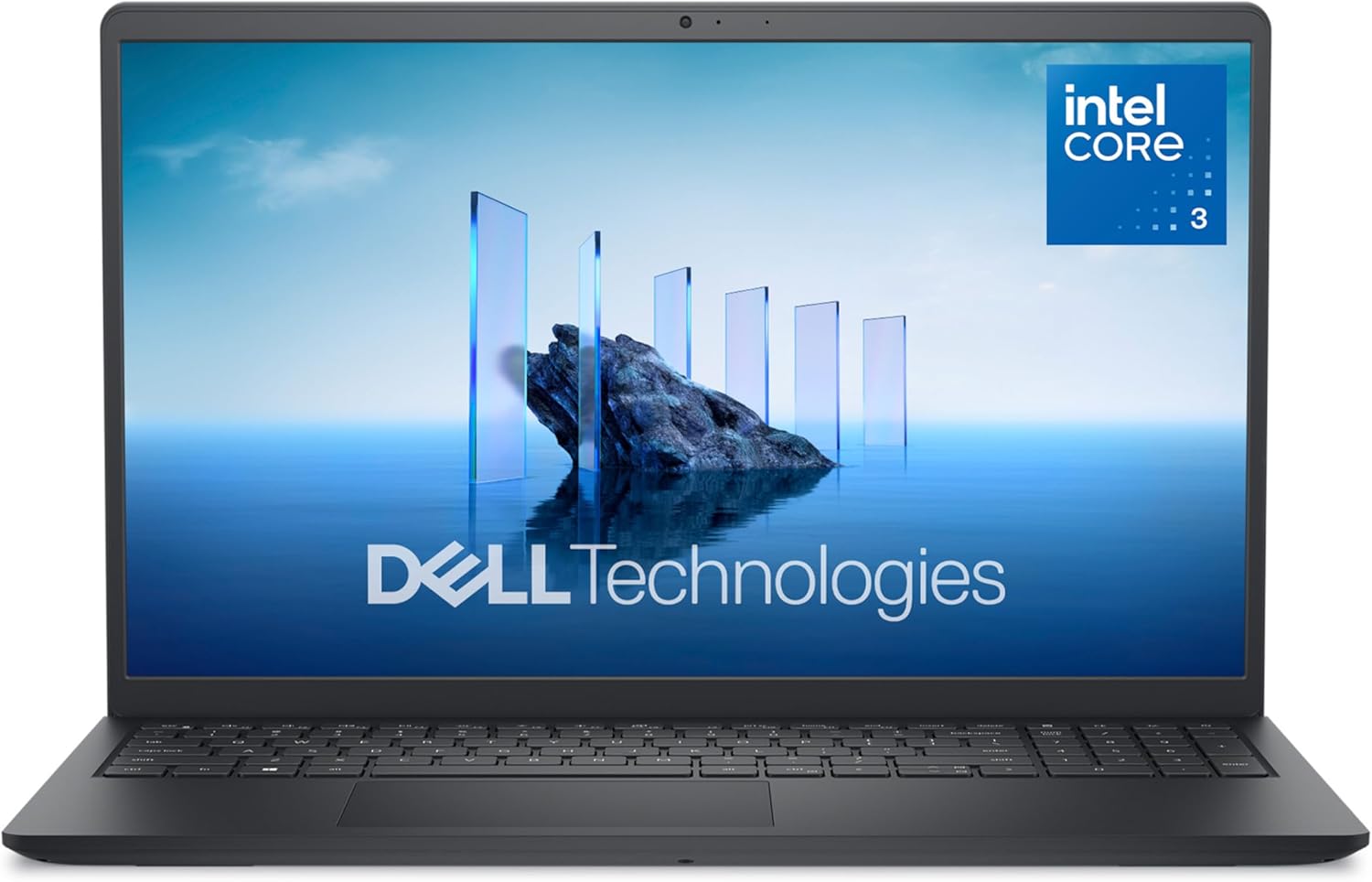
In the ever-evolving landscape of computing, Dell continues to carve out its niche with innovative designs and reliable performance. The Dell 15 DC15250 Laptop emerges as a compelling choice for those seeking a balance of style, efficiency, and functionality. With its Intel Core 3 processor, 8GB RAM, and Windows 11 Home, this laptop promises to be a versatile companion for both work and leisure. Let’s delve into the details to understand what makes this laptop a standout choice.
Jump to: Design & Build | Key Features | Performance | What’s in the Box | How to Use | Specifications | Pros & Cons | Who Is This For? | Final Verdict
Design & Build Quality
The Dell 15 DC15250 Laptop exudes a modern and sleek design, making it a visual delight. The carbon black finish not only adds a touch of elegance but also gives the laptop a premium feel. The laptop’s dimensions of 9.27″L x 14.11″W x 0.75″Th make it portable yet substantial, ensuring it fits comfortably in your bag without feeling too bulky.
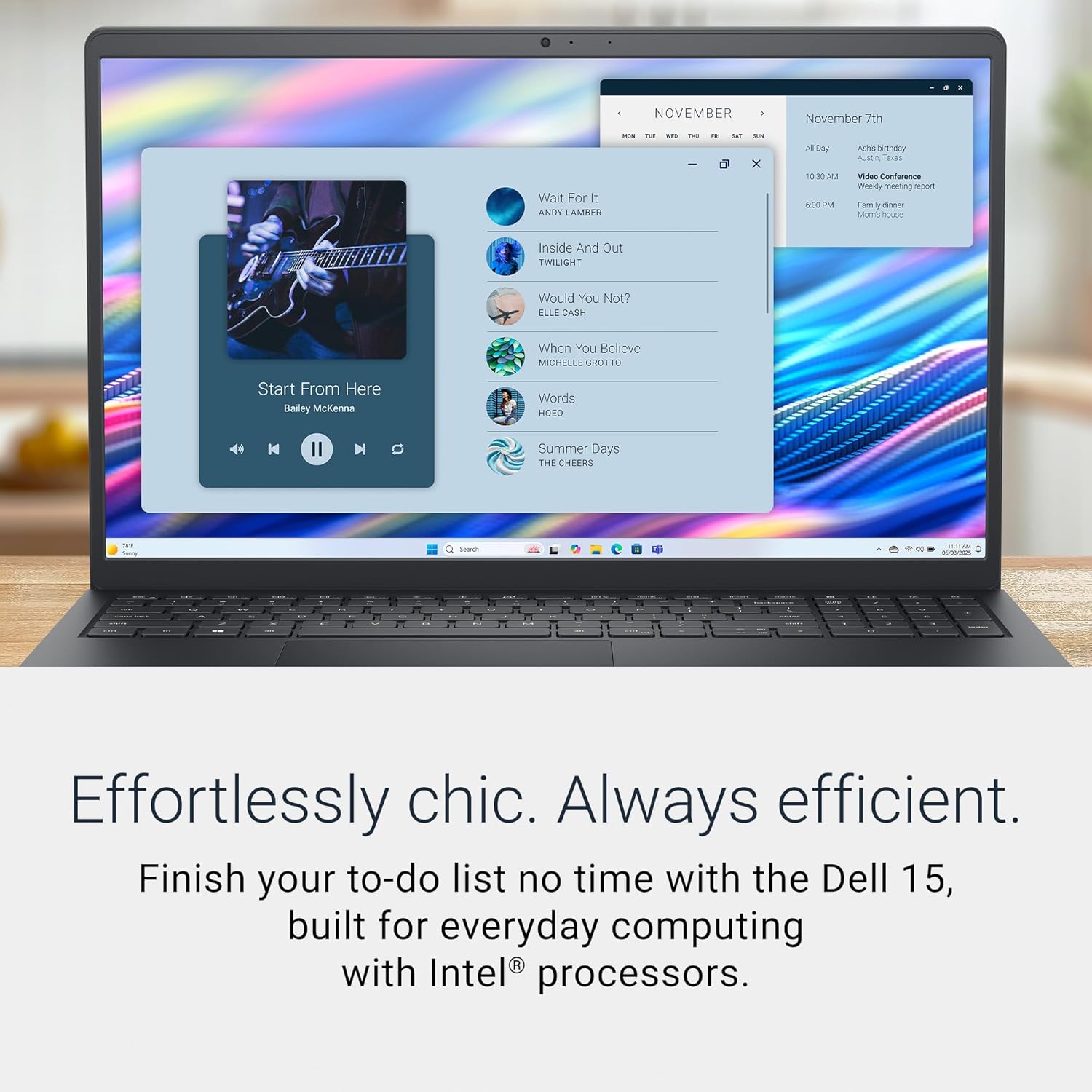
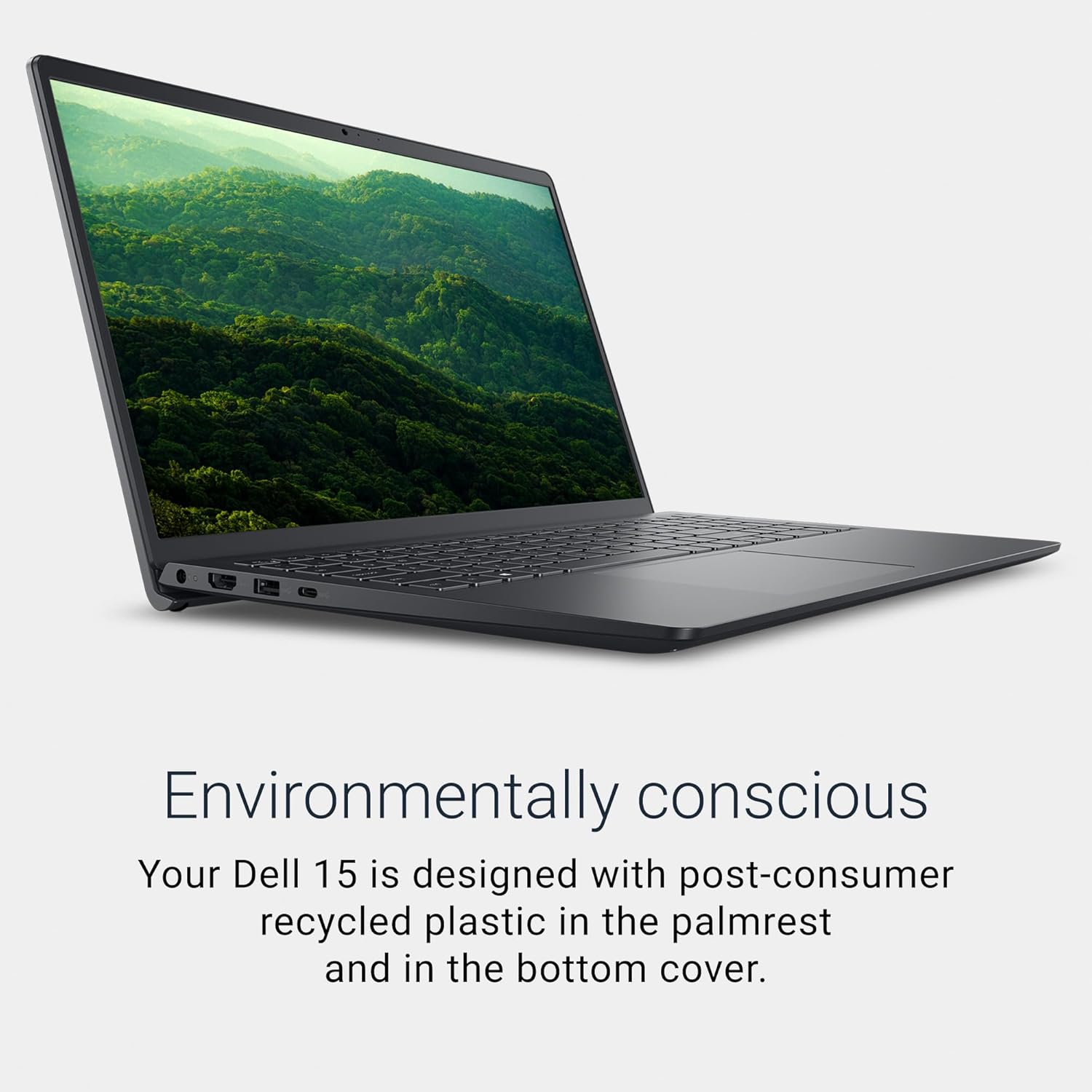
The build quality of the Dell 15 DC15250 Laptop is impressive. The use of 30% post-consumer recycled plastic in the palmrest and 50% post-consumer recycled plastic in the bottom cover not only reduces environmental impact but also adds durability. The laptop’s weight of 4.2 pounds makes it easy to carry around, and the matte finish on the display helps reduce glare, ensuring a comfortable viewing experience even in well-lit environments.
Key Features & Benefits
The Dell 15 DC15250 Laptop is packed with features that cater to various needs. The 15.6-inch Full HD display with a resolution of 1920 x 1080 pixels and a refresh rate of 120Hz provides crisp and vibrant visuals. The anti-glare coating on the display ensures comfortable viewing, even under bright lighting conditions.

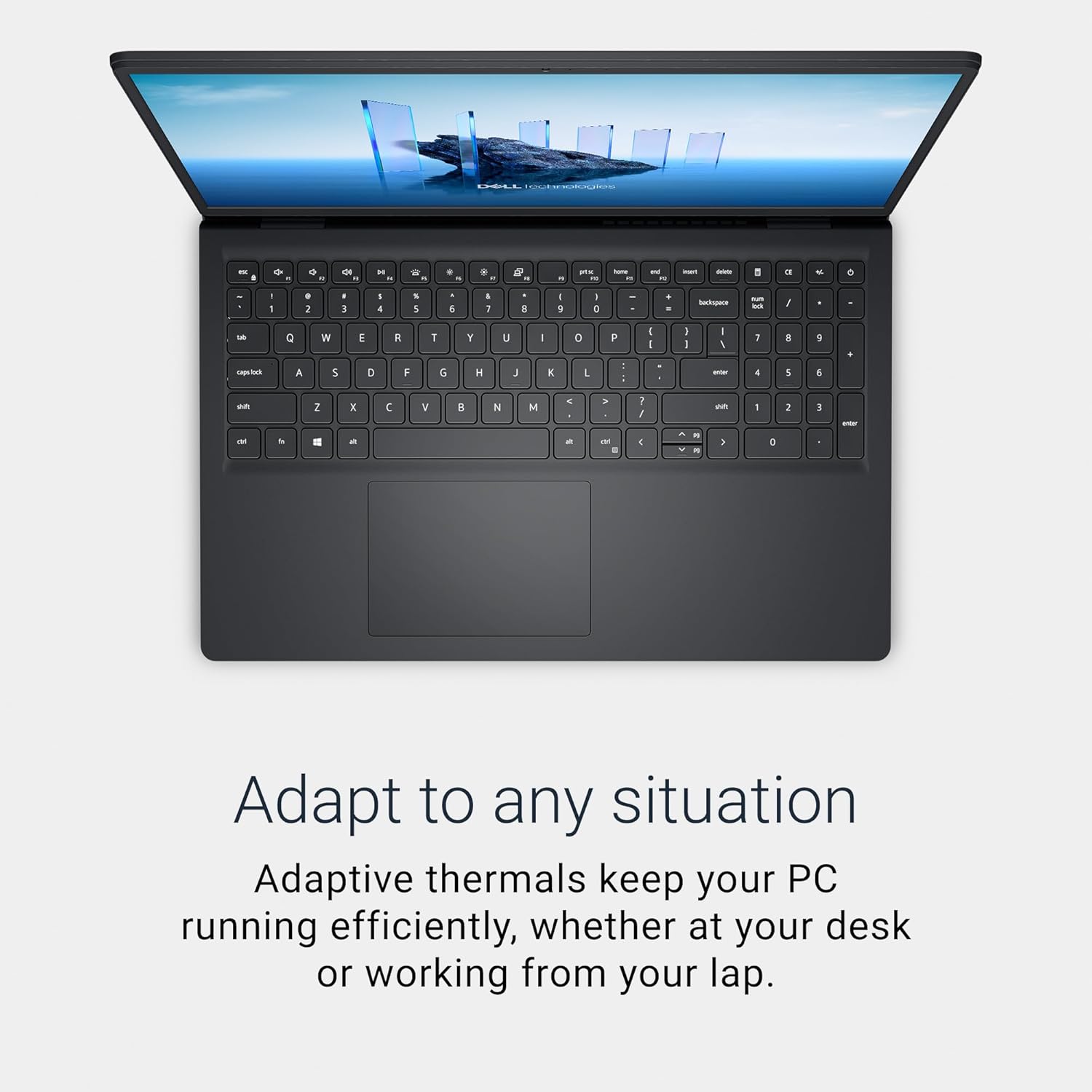
The laptop’s ergonomic design includes lifted hinges that provide an ergonomic typing angle, reducing strain on your wrists. The separate numeric keypad and calculator hotkey make calculations quick and efficient. The Dell ComfortView software helps reduce harmful blue light emissions, ensuring your eyes stay comfortable over extended viewing times.
Performance & Real-World Use
The Dell 15 DC15250 Laptop is powered by an Intel Core 3 processor, which offers a balance of performance and efficiency. The 8GB DDR4 RAM ensures smooth multitasking, allowing you to run multiple applications simultaneously without any lag. The 512GB SSD provides ample storage for your files, applications, and media.
The laptop’s integrated Intel UHD Graphics handle everyday tasks such as web browsing, document editing, and light multimedia with ease. For more demanding tasks, the laptop can be connected to an external display via HDMI, allowing you to use it as a secondary monitor. The laptop’s Wi-Fi 6 and Bluetooth 5.3 ensure fast and reliable wireless connectivity.
What’s in the Box
When you purchase the Dell 15 DC15250 Laptop, you receive a comprehensive package that includes the laptop itself, a 65W AC adapter, a power cord, and documentation. The laptop comes with a built-in HD camera, making it ideal for video calls and virtual meetings.
The package also includes a memory card slot, allowing you to expand your storage capacity by adding a microSD card. This feature is particularly useful for those who frequently work with large files or media.
How to Use
- Setup: Unbox the Dell 15 DC15250 Laptop and connect the provided AC adapter to the power cord. Plug the power cord into a power outlet and turn on the laptop.
- Initial Configuration: Follow the on-screen instructions to set up your laptop, including creating a user account and connecting to Wi-Fi.
- Install Software: Install any necessary software or applications from the Dell website or other trusted sources.
- Customize Settings: Adjust the display settings, including brightness and resolution, to suit your preferences. Enable Dell ComfortView software to reduce blue light emissions.
- Connect Peripherals: Connect external devices such as a mouse, keyboard, or external display via the available USB and HDMI ports.
Technical Specifications
| Specification | Detail |
|---|---|
| Brand | Dell |
| Model Name | Dell 15 DC15250 Laptop |
| Screen Size | 15.6 inches |
| Color | Carbon Black |
| Hard Disk Size | 512 GB |
| CPU Model | Intel Core 3 |
| RAM Memory Installed Size | 8 GB |
| Operating System | Windows 11 Home |
| Special Feature | Anti Glare Coating, Memory Card Slot |
| Graphics Card Description | Integrated |
| Graphics Coprocessor | Intel UHD Graphics |
| Hard Disk Description | SSD |
| Item Weight | 4.2 pounds |
| Video Processor | Intel |
| Specific Uses For Product | Business, Entertainment, Student |
| Automatic Backup Software Included | Webcam |
| Form Factor | Laptop |
| Hard Disk Interface | Solid State |
| Voltage | 240 volts_of_alternating_current |
| Camera Description | Front |
| Biometric Security Feature | No Fingerprint Reader |
| Graphics Ram Type | Shared |
| Compatible Devices | USB devices, External displays via HDMI, Bluetooth devices, Wi-Fi enabled devices |
| Warranty Type | On Site |
| Item Dimensions L x W x Thickness | 9.27″L x 14.11″W x 0.75″Th |
| Optical Storage Device | No Optical Drive |
| Video Output | HDMI |
| Operating System Family | Windows |
| Screen Size | 15.6 inches |
| Resolution | 1080p |
| Native Resolution | 1920 x 1080 pixels |
| Display Type | LED |
| Display Resolution Maximum | 1920×1080 pixels |
| Display Technology | LED |
| Display Refresh Rate in Hertz | 120 |
| Touch Screen Type | No Touchscreen |
| Screen Finish | Matte |
| Display Maximum Resolution | 1920 x 1080 pixels |
| Connectivity Technology | Bluetooth, Wi-Fi |
| Wireless Technology | Bluetooth, Wi-Fi |
| Wireless Compability | 802.11ax, Bluetooth |
| Cellular Technology | Wifi |
| Bluetooth Version | 5.3 |
| Wi-Fi Generation | Wi-Fi 6 |
| Human-Interface Input | Keyboard, Microphone, Numeric Keypad |
| Keyboard Description | Ergonomic |
| Keyboard Layout | QWERTY |
| Control Method | Touch |
| Processor Series | Intel Core 3 |
| Processor Speed | 900 MHz |
| Processor Count | 6 |
| Processor Brand | Intel |
| CPU Model Number | 100U |
| CPU Model Generation | 12th Gen |
| CPU Model Speed Maximum | 4.7 GHz |
| Brand | Dell |
| Model Name | Dell 15 DC15250 Laptop |
| Model Year | 2025 |
| Model Number | LDC15250-3883BLK-PUS |
| Built-In Media | 65 Watt AC Adapter, Dell 15 DC15250 Laptop, Documentation, Power Cord |
| Manufacturer | CN |
| Item Highlight | Anti-Glare IPS WVA, 250 nits, Intel UHD Graphics, DDR4, 512GB SSD, Wi-Fi 6 & Bluetooth, DC15250 |
| Number of Items | 1 |
| Global Trade Identification Number | 00884116669883 |
| Warranty Description | 1-Year Basic Onsite Service after remote diagnosis with Hardware-Only Support |
| Mfr Part Number | Y3VGT |
| RAM Memory Installed | 8 GB |
| RAM Memory Technology | DDR4 |
| Memory Clock Speed | 2666 MHz |
| Ram Memory Maximum Size | 16 GB |
| Memory Speed | 2666 MHz |
| RAM Type | DDR4 SDRAM |
| Cache Memory Installed Size | 10 |
| RAM Size | 8 GB |
| Memory Storage Capacity | 8 GB |
| Memory Slots Available | 1 |
| Battery Cell Type | Other Than Listed |
| Number Of Cells | 3 |
| Lithium-Battery Energy Content | 41 watt-hours |
| Total Usb Ports | 3 |
| Hardware Interface | Bluetooth, HDMI, Secure Digital Card, USB 2.0, USB 3.2 Gen 1 |
| Number of Ports | 4 |
| Total Number of HDMI Ports | 1 |
| Audio Output Type | Headphones, Speakers |
| Speaker Description | MaxxAudio Pro (Windows) / Stereo Speakers (Windows) |
Pros & Cons
Pros
- Sleek and modern design with a carbon black finish
- High-quality build with recycled materials
- 15.6-inch Full HD display with anti-glare coating
- Ergonomic keyboard with a separate numeric keypad
- Powerful Intel Core 3 processor and 8GB RAM
- Fast and reliable Wi-Fi 6 and Bluetooth 5.3 connectivity
- Built-in HD camera for video calls
- Memory card slot for expandable storage
- Comprehensive package with all necessary accessories
- Dell ComfortView software to reduce blue light emissions
Cons
- No fingerprint reader for added security
- No optical drive for physical media
- Integrated graphics may not be sufficient for demanding tasks
- Limited upgrade options for RAM and storage
- No touchscreen display
- Battery life may not be exceptional for heavy usage
Who Is This For?
The Dell 15 DC15250 Laptop is an excellent choice for students, professionals, and casual users who need a reliable and versatile laptop. Its sleek design, powerful performance, and comprehensive features make it suitable for a wide range of tasks, from academic work to entertainment. The laptop’s portability and ergonomic design also make it ideal for those who are always on the move.
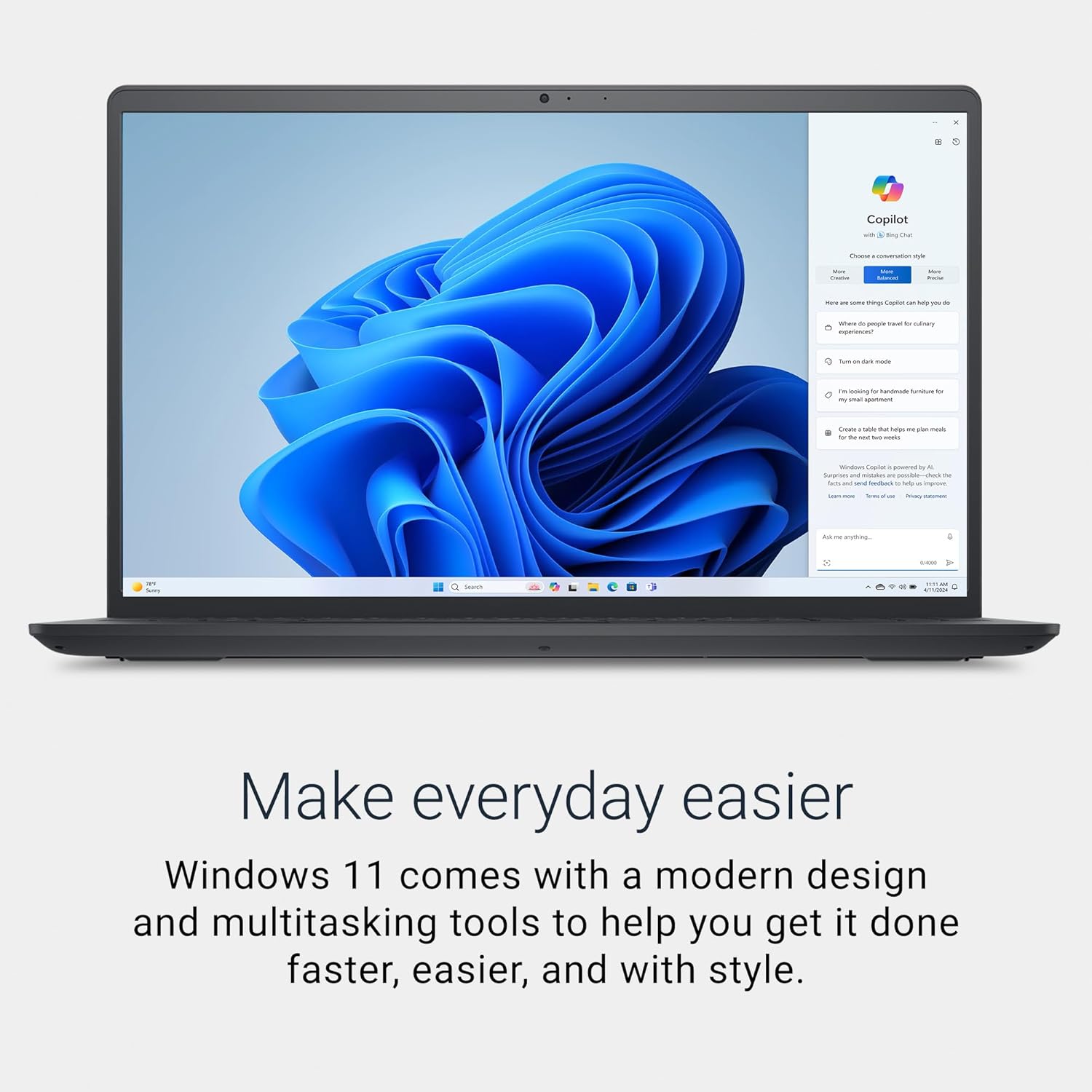
Additionally, the laptop’s built-in HD camera and Dell ComfortView software make it a great choice for those who spend a lot of time on video calls or working on their laptops for extended periods. The memory card slot also makes it a convenient option for those who frequently work with large files or media.
Final Verdict
The Dell 15 DC15250 Laptop is a well-rounded device that offers a balance of style, performance, and functionality. Its sleek design, powerful processor, and comprehensive features make it a versatile companion for both work and leisure. While it has some limitations, such as no fingerprint reader and integrated graphics, these are minor drawbacks considering the overall value it provides. Overall score: 9/10
